
TikTok
Direct Post or creator-inbox draft, with creator-provided privacy options, interaction controls and disclosures.
Creator publishing workspace
Prepare one original video, review the settings for every destination, and decide exactly where and when it is published.
Production pilot: Contact sales to request Studio access; an approved access code is currently required. Public TikTok Direct Post access is subject to TikTok audit approval.
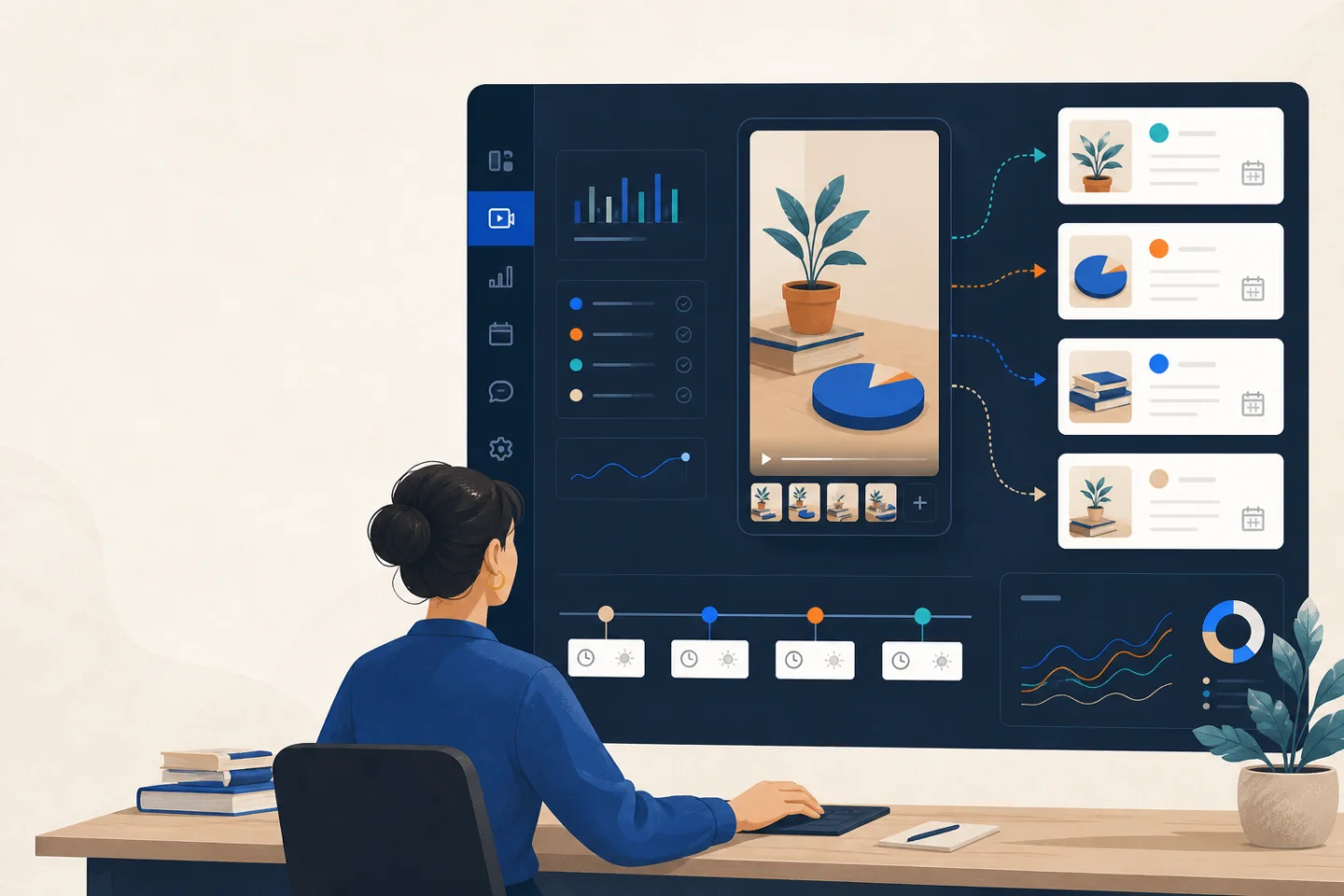
01 / Control
Each connected account, uploaded file, caption, destination and visibility choice remains visible before publication. A creator must confirm every single-channel or multi-channel submission.
TikTok Direct Post and TikTok inbox draft are separate actions. The draft route transfers a video for the creator to finish in TikTok; it does not silently make that draft public.
02 / Workflow
Approve the platform OAuth screen for an account you control.
Select and preview the exact original MP4 before transfer.
Set platform-specific copy, privacy, audience and disclosure choices.
Choose destinations and publish now or select a reviewed future time.
Follow each destination independently in the publication journal.
03 / Destinations
Direct Post or creator-inbox draft, with creator-provided privacy options, interaction controls and disclosures.
Upload with title, description, visibility and made-for-kids audience selection.
Keep professional-account and Page destinations distinct, with separate captions and confirmation.
Publish video or text to a connected channel or group, including an optional link.
Queue selected destinations for one reviewed time while preserving each platform's settings.
Inspect status, destination, timing and saved settings for each publication attempt.
Production pilot
Contact sales to request access. Approved creators receive a code to open the publishing workspace; existing creators can sign in.